


How to build a custom WordPress theme: a beginner’s guide
A custom WordPress theme gives you full control over the design, structure, performance, and functionality of your website. Instead of adjusting a ready-made template to fit your business, you create a theme around your brand, your content, and your goals.
For many businesses, a pre-built WordPress theme can be enough at the beginning. It helps launch a website quickly and with a lower budget. But as the business grows, the limits of a ready-made theme often become more visible. The website may become slower, harder to customize, less flexible, and more difficult to scale.
A custom WordPress theme solves this problem by giving you a website built specifically for your needs. It can include a unique design, custom layouts, optimized page structure, better performance, and a cleaner editing experience for your team.
What is a custom WordPress theme?
A custom WordPress theme is a theme built specifically for one website, brand, or business. It controls how the website looks and how different types of content are displayed. This includes the homepage, service pages, blog posts, case studies, landing pages, headers, footers, navigation, and other visual elements.
Unlike a pre-built theme, a custom theme is not designed for thousands of different websites. It is created around one clear purpose. That means the design, content structure, and functionality can be much more focused.
A custom theme can be simple or complex. Some custom themes only include basic page templates and a few flexible content sections. Others include custom post types, advanced fields, unique layouts, integrations, and special functionality for a business workflow.
For companies that depend on their website for leads, sales, or brand trust, a custom WordPress theme can be a strong long-term investment.
Why build a custom WordPress theme?
The main reason to build a custom WordPress theme is control. With a custom theme, you are not limited by the structure, styles, and features of an existing template. You can create a website that matches your brand and supports your business goals.
A custom theme can improve website performance because it includes only the features and code your website actually needs. Many ready-made themes come with extra scripts, layouts, animations, and settings that are never used. This can slow down the website and make optimization harder.
Custom theme development also gives you a better user experience. You can plan each page around the customer journey, create clear calls to action, improve navigation, and make sure important information is easy to find.
Another important benefit is scalability. When your website is built properly from the beginning, it becomes easier to add new pages, sections, features, and content types later. This is especially useful for service businesses, agencies, online stores, educational platforms, and companies planning to grow their online presence.
When should you choose a custom WordPress theme?
A custom WordPress theme is a good choice when your website needs to do more than simply look nice. If your website is an important part of your sales, marketing, or client communication process, a custom solution can provide more value than a generic template.
You should consider a custom theme if your business has a unique brand identity, specific page structure, custom functionality, or performance requirements. It is also a good choice if you want to avoid unnecessary plugin dependency and keep the website easier to maintain.
A custom theme is especially useful when you need a website that supports lead generation. For example, a service business may need landing pages, case studies, contact forms, trust sections, testimonials, and clear conversion paths. With a custom theme, all of these elements can be designed as part of one system.
However, not every project needs a custom theme. If you need a very simple website and your budget is limited, a pre-built theme may be enough. The key is to understand your current needs and your future plans before choosing the right approach.
Step 1: Plan the website structure
Before development starts, you need to plan the website structure. This step is important because a custom theme should not be built around random pages. It should be built around the way users search, browse, and make decisions.
Start with the main pages your website needs. For a business website, this often includes the homepage, about page, service pages, case studies, blog, contact page, and sometimes landing pages for specific offers or industries.
The structure should also support SEO. Each important service or topic should have its own dedicated page. For example, if your company offers WordPress development and web design, these services should not be hidden inside one general page. They should have separate pages with clear content and internal links.
A clear structure helps both users and search engines understand your website. It also makes the design and development process much easier.
Step 2: Create the design system
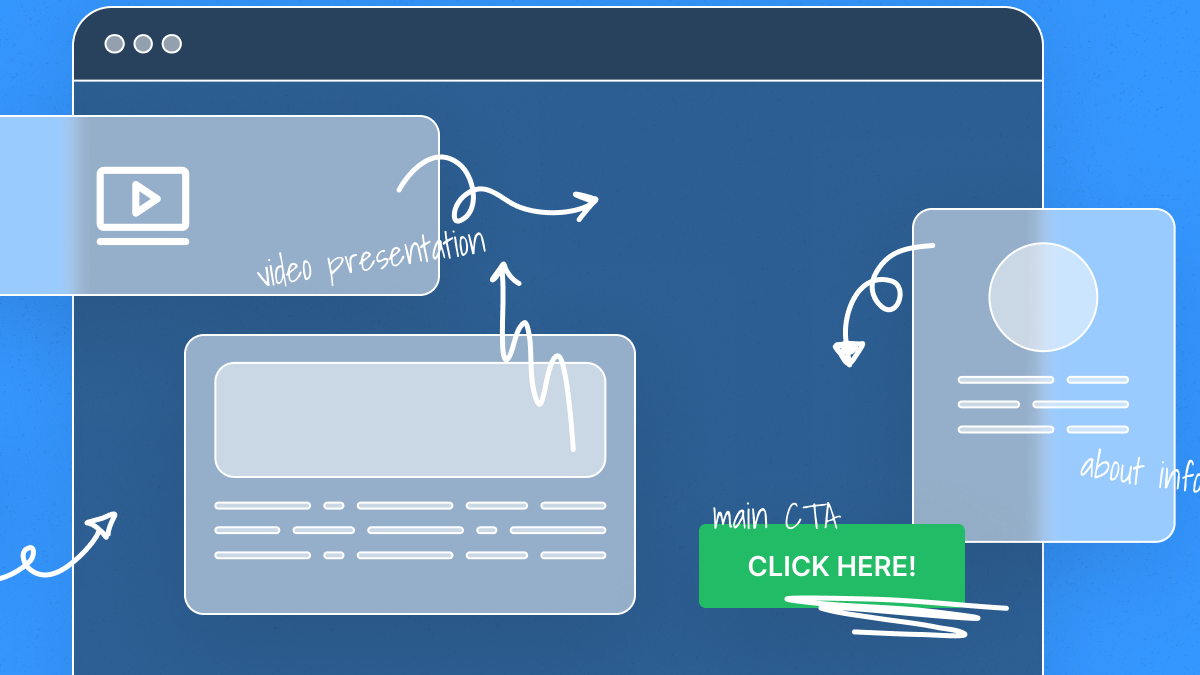
After the structure is planned, the next step is to create the visual direction. This includes typography, colors, buttons, spacing, forms, cards, icons, and reusable content sections.
A strong design system keeps the website consistent. Instead of designing every page from scratch, you create reusable elements that can be used across the entire site. This helps the website look professional and makes future updates easier.
For a custom WordPress theme, the design should also consider how the website will be edited. A beautiful design is not enough if the client cannot easily update content. The theme should be built in a way that allows the website owner or marketing team to manage pages without breaking the layout.
This is where planning flexible sections becomes important. For example, service blocks, testimonial sections, FAQ sections, case study previews, and call-to-action blocks can be created as reusable components.
Step 3: Prepare the theme files
Every WordPress theme has a file structure. These files define the layout, styles, functions, and templates of the website. A custom theme usually includes files for the header, footer, main page templates, blog posts, archive pages, single pages, and custom content types.
The goal is not just to create files, but to organize them in a clean and maintainable way. Good structure makes the theme easier to update, debug, and expand later.
For business websites, it is also important to separate reusable parts of the theme. This can include buttons, cards, section layouts, navigation elements, and template parts. A clean structure helps developers work faster and reduces the risk of future problems.
A well-organized custom theme is easier to maintain than a heavily modified pre-built theme. This is one of the biggest long-term advantages of custom WordPress development.
Step 4: Connect WordPress functionality
Once the basic theme structure is ready, the next step is to connect WordPress functionality. This allows the website to display dynamic content instead of static pages.
WordPress can manage pages, posts, menus, media files, categories, tags, users, and custom content types. A custom theme decides how this content appears on the front end of the website.
For example, a blog page can display recent posts, a case studies page can show completed projects, and a service page can include custom sections created through the WordPress admin panel.
This is where a custom theme becomes powerful. Instead of forcing your content into a generic template, you can create a structure that matches your business needs.
Step 5: Add custom fields and editable sections
A good custom WordPress theme should be easy to edit. Website owners should not need to contact a developer every time they want to change a headline, update a button, replace an image, or add a new section.
Custom fields make this possible. They allow developers to create editable content areas in the WordPress admin panel. This gives the client more control while keeping the design consistent.
For example, a homepage can include editable sections for the hero block, services, benefits, case studies, testimonials, FAQ, and contact call to action. The client can update the content, while the layout remains clean and professional.
This approach is especially useful for growing websites. It helps the marketing team publish and update content faster without damaging the website design.
Step 6: Optimize the theme for performance
Performance should be part of the development process from the beginning. A custom theme gives you more control over speed because you can avoid unnecessary features, scripts, and styles.
A fast website improves user experience and can support better SEO results. Visitors are more likely to stay on a website that loads quickly and works smoothly on mobile devices.
Performance optimization usually includes clean code, optimized images, proper loading of styles and scripts, caching, responsive layouts, and minimizing unnecessary plugins.
A custom theme should also be tested on real devices and different screen sizes. Mobile experience is especially important because many users visit business websites from their phones before making a decision.
Step 7: Make the theme SEO-friendly
A custom WordPress theme should be built with SEO in mind. This does not mean adding keywords everywhere. It means creating a clean technical structure that helps search engines understand the website.
Important SEO elements include proper heading structure, clean HTML, optimized page templates, fast loading speed, mobile-friendly layouts, internal linking, schema markup, image alt text, and correct indexation settings.
The theme should also work well with SEO plugins like Yoast SEO, Rank Math, or All in One SEO. These plugins help manage meta titles, descriptions, XML sitemaps, breadcrumbs, and other SEO settings.
However, an SEO plugin cannot fix a poorly structured website. The foundation should come from proper design, development, and content planning.
Step 8: Test the theme before launch
Before launching a custom WordPress theme, it needs to be tested carefully. Testing helps find issues before real users visit the website.
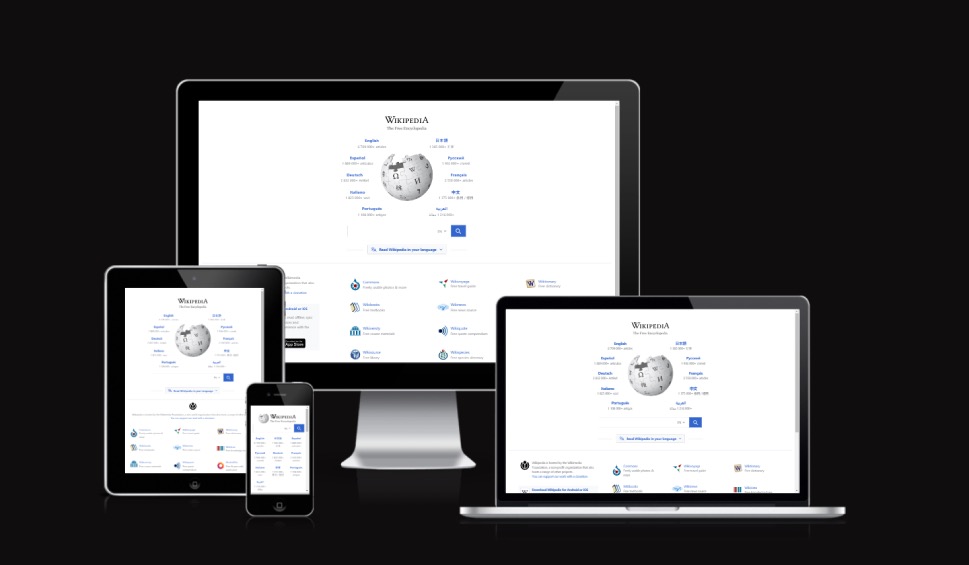
The website should be checked on desktop, tablet, and mobile devices. It should also be tested in different browsers. Forms, buttons, menus, links, animations, and interactive elements should all work correctly.
It is also important to test performance, accessibility, SEO settings, and content formatting. Broken layouts, missing alt text, slow pages, or incorrect headings can reduce the quality of the final website.
A proper testing process helps make the launch smoother and reduces the number of problems after the website goes live.
Step 9: Launch and maintain the website
After testing is complete, the website can be launched. But the work does not end after launch. A WordPress website needs regular maintenance to stay secure, fast, and stable.
Maintenance may include plugin updates, theme improvements, backups, security checks, performance optimization, bug fixes, and content updates. A custom theme is usually easier to maintain when it is built with clean code and clear structure.
After launch, it is also important to connect analytics tools. Google Search Console, Google Analytics, heatmaps, and SEO tools can help you understand how users interact with the website and what should be improved.
A custom WordPress theme gives you a strong foundation, but long-term results come from continuous improvement.
Custom WordPress theme vs. pre-built theme
Both custom themes and pre-built themes have their place. A pre-built theme is usually faster and cheaper to launch. It can be a good option for small projects, early-stage businesses, or websites with basic needs.
A custom WordPress theme is better when the website needs a unique design, specific functionality, better performance, stronger branding, and long-term scalability. It requires more planning and development time, but it can provide a better foundation for business growth.
The best choice depends on your goals, budget, timeline, and future plans. If your website is just a simple online presence, a ready-made theme may be enough. If your website is a key part of your marketing and lead generation strategy, a custom theme is often the better solution.
Final thoughts
Building a custom WordPress theme is not just about writing code. It is about creating a website that fits your business, supports your users, and helps you reach your goals.
A good custom theme combines strategy, design, development, performance, SEO, and usability. It gives your website a stronger foundation and makes it easier to grow over time.
If you want a website that looks unique, loads fast, works smoothly, and is easy to manage, custom WordPress theme development can be a smart investment.


